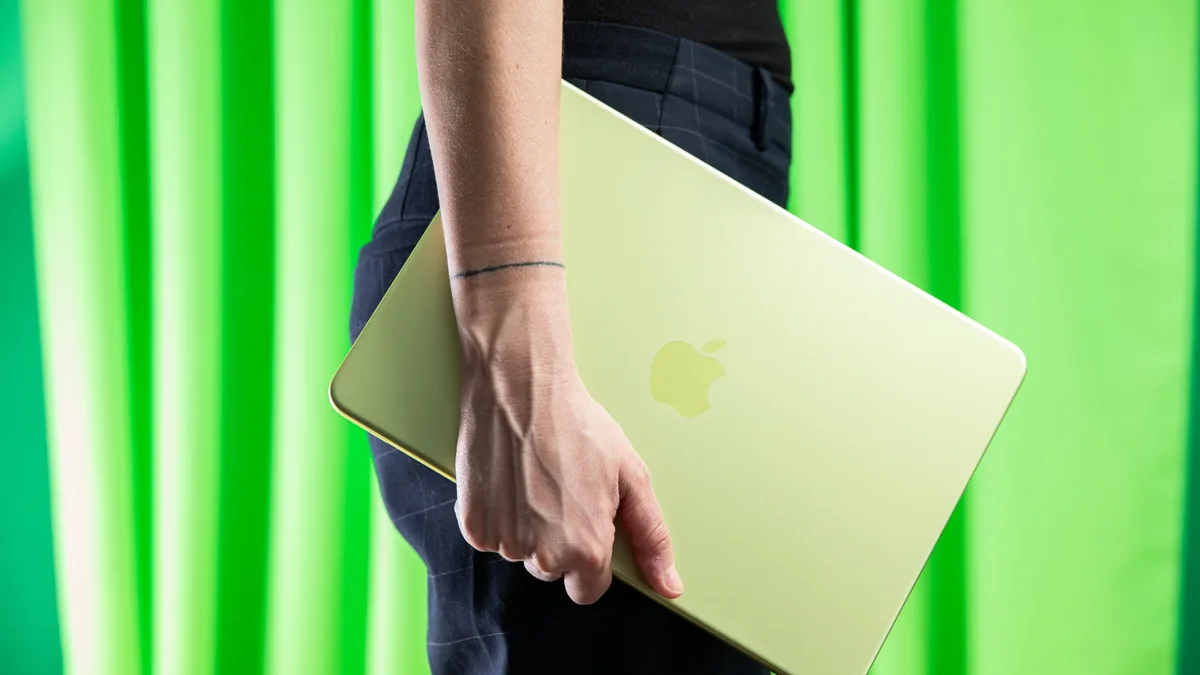
A student laptop is a portable personal computer specifically configured to handle academic workloads, including web research, document editing, and multimedia projects. Choosing the right machine requires balancing immediate budget constraints against the long-term performance needs of a multi-year academic career.
Global supply chain analysts report that memory and storage costs remain volatile, with production capacity for high-end RAM modules largely allocated through 2027 (Source: The Verge). This market pressure means that entry-level pricing for reliable hardware is higher than in previous years, making the decision between a budget machine and a premium model more impactful for your long-term costs.
If you are purchasing a laptop for a student, prioritize longevity over the lowest possible sticker price to avoid the "hidden cost" of early replacement. While you can find tolerable machines for under $500, investing in a mid-range laptop—typically priced between $700 and $1,000—often yields a significantly longer lifespan due to superior build quality and higher performance ceilings.
Many modern laptops, such as Apple’s M1-based MacBook Airs released in 2020, remain fully functional for daily academic tasks years after their initial release. By spending more upfront, you prevent the frustration of a "janky" or slow user experience that often plagues budget machines within 18 months of purchase.
For a laptop to remain useful throughout a standard four-year degree, you should aim for a minimum of 16GB of RAM and 512GB of storage. While 8GB of RAM may function for basic web browsing on macOS, Windows-based systems often struggle with multitasking when limited to 8GB, leading to performance bottlenecks during research sessions with multiple browser tabs open.
Keep exploring
More from GroundworkWhen selecting a processor, follow these guidelines to ensure compatibility with modern software:
- Apple Silicon: Any M-series chip (M1, M2, or M3) provides excellent efficiency and longevity.
- Intel-based Windows: Look for 13th-generation "Raptor Lake" processors or newer (released 2022-2023).
- AMD-based Windows: Seek out the Ryzen 7000 series or newer.
- ARM-based Windows: Snapdragon X chips are highly efficient but verify that your specific curriculum does not require legacy software incompatible with the ARM architecture.
Chromebooks are specialized, cloud-centric laptops running Google’s ChromeOS that are ideal for primary and middle school students with limited software requirements. Because these devices rely on web-based applications rather than local software installations, they are significantly more affordable and easier to manage than traditional Windows or Mac laptops.
If your student’s workflow is entirely contained within a web browser, a high-quality Chromebook is often the most practical and cost-effective choice. However, if the student plans to enter high school or college, verify that their specific curriculum does not require specialized desktop software (such as advanced video editing or engineering tools) that Chromebooks cannot run.
To manage rising hardware costs, leverage education-specific pricing and manufacturer-certified refurbished programs. Most major retailers and manufacturers, including Apple and Best Buy, offer consistent discounts for students, teachers, and faculty members that can reduce the final price by $100 to $200.
Refurbished units are often indistinguishable from new models in performance and are backed by the same warranties. Before buying, check the manufacturer’s "Education Store" or "Certified Refurbished" portal to see if you can access premium build quality at a lower price point than retail listings.