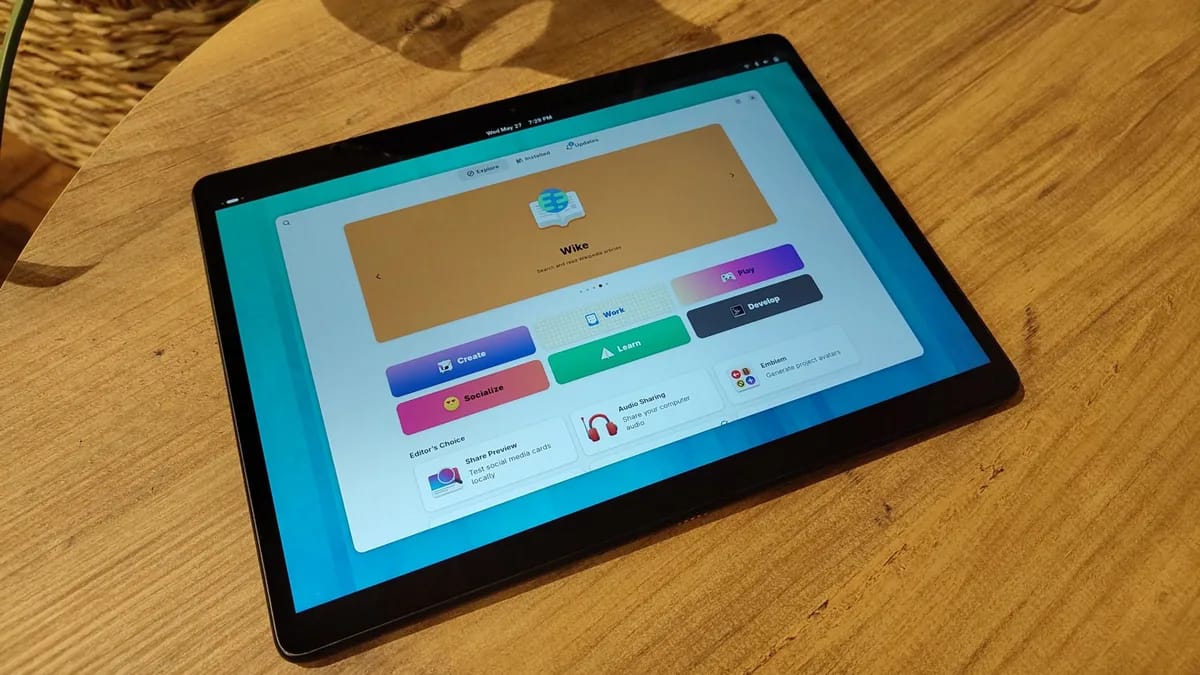
An immutable Linux distribution is an operating system where the core system files are read-only, preventing accidental changes or unauthorized modifications. Unlike traditional systems like Windows or standard Linux distributions, which allow software to modify the underlying system directories at will, immutable systems use atomic updates and sandboxing to ensure the OS remains in a known, stable state.
According to research from the Fedora Project, immutable architectures significantly reduce "dependency hell"—a common issue where installing one program breaks another—by isolating applications from the base operating system. This approach creates a more predictable computing environment, which is why major enterprise cloud providers rely on similar principles for server infrastructure.
An immutable operating system functions by separating the user-writable space from the core system files, which are mounted as read-only. When you perform a system update, the OS does not patch individual files while the system is running; instead, it downloads a new, complete image of the OS and swaps it out during a reboot. This is known as an atomic update. If an update fails or introduces a bug, the system can simply roll back to the previous, functional image, providing a near-zero risk of a "bricked" system after a software update.
For a standard desktop user, the primary benefit of an immutable system is stability and disaster recovery. Because the core system is immutable, you cannot accidentally delete or corrupt essential system libraries, which is a frequent cause of system crashes in traditional Windows or Linux environments.
- Enhanced security: Since core files are read-only, malicious software cannot easily gain persistence by modifying system binaries.
- Predictable state: Your system remains identical to its original installation, regardless of how many applications you install or remove.
- Easy rollbacks: If a system update causes an issue, reverting to the previous state is typically a one-click operation at boot, as documented by the Fedora Silverblue technical manuals.
Using an immutable distribution does not restrict your access to software, but it does change how you install it. Instead of using traditional package managers that install files directly into the system root, immutable distros rely on containerized formats like Flatpak, AppImage, or Distrobox. These formats package the application along with all its required dependencies, ensuring that the software runs in its own isolated environment. This prevents "dependency bloat" and ensures that one application's update requirements never conflict with another’s.
Several distributions have matured to the point where they are accessible to users transitioning from Windows.
Keep exploring
More from GroundworkFedora’s atomic desktops are arguably the most polished options. Silverblue uses the GNOME desktop environment, while Kinoite uses KDE Plasma. Both utilize rpm-ostree, which allows you to layer specific system-level packages if absolutely necessary, while keeping the core OS immutable.
NixOS takes a unique "declarative" approach. You define your entire system configuration—including installed software, user accounts, and system settings—in a single text file. When you change this file and run a command, the system automatically rebuilds itself to match your configuration. While it has a steeper learning curve, it provides the most reproducible system environment available today.
Vanilla OS is designed specifically for desktop users who want an immutable experience without the complexity. It uses a project called ABRoot to manage atomic updates and features a "pico" container system that allows you to install applications from various package managers (like APT or Pacman) without affecting the base system integrity.
If you prioritize system reliability, security, and the ability to test new software without fear of breaking your computer, an immutable distribution is an excellent choice. However, if you are a user who frequently needs to modify system-level configuration files or requires specific hardware drivers that are not packaged for standard kernels, you may find the restrictions of an immutable OS frustrating.
To decide if you are ready to switch, evaluate your current workflow:
- Do you spend more time fixing system errors than using your computer? An immutable system will likely solve this.
- Do you rely on specialized proprietary software that requires deep system integration? You may find the containerized approach of immutable distros harder to navigate.
- Are you comfortable learning new ways to install software? If you are willing to embrace Flatpaks and containerization, the transition will be seamless.