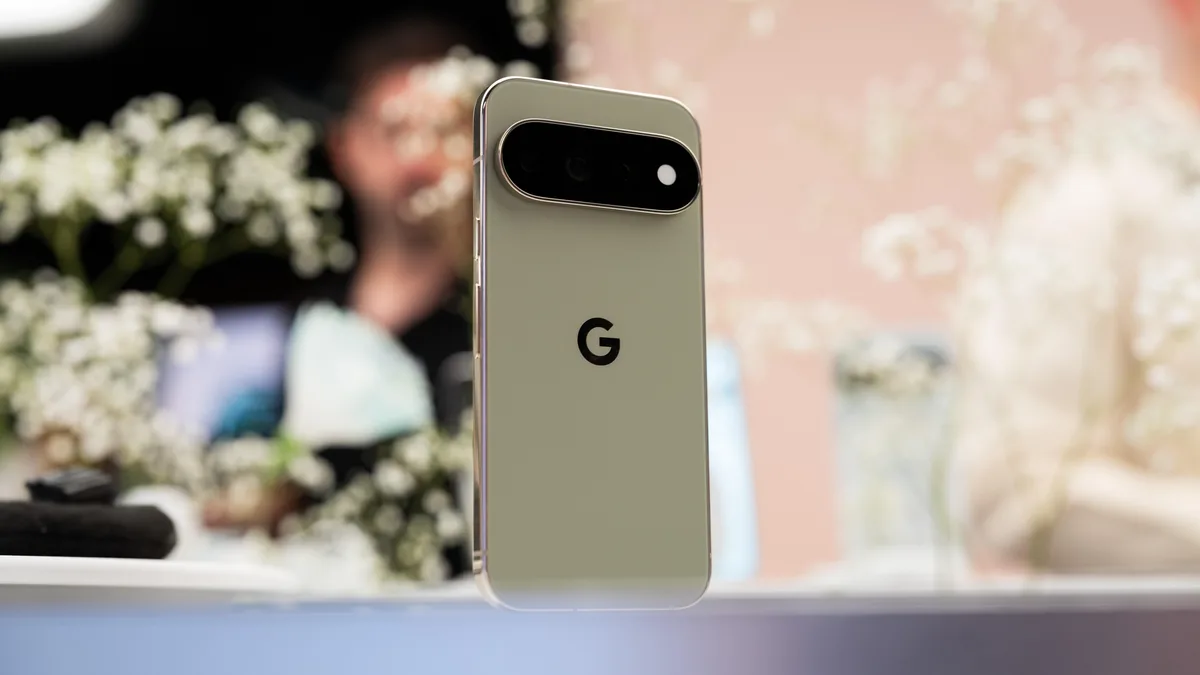
Camera Looks is a new image processing feature on the Google Pixel 11 series that modifies how raw sensor data is interpreted to create distinct visual styles, such as the "Digi" aesthetic, which emulates the characteristics of early 2000s digital cameras. By shifting processing logic from standard computational photography to these stylized presets, Google aims to move away from the hyper-sharpened "smartphone look" that dominates modern mobile photography.
According to Google, this feature is currently exclusive to the Pixel 11 lineup, meaning users with older devices cannot access the feature through standard software updates (The Verge, 2025). This hardware-software exclusivity highlights a growing trend where manufacturers restrict sophisticated image processing capabilities to their most recent hardware to drive device upgrades.
Google is restricting Camera Looks to the Pixel 11 series primarily because the feature requires specific computational overhead and sensor-level integration that older Tensor chipsets may not support efficiently. While Google has not provided a granular technical breakdown, the processing required to alter image data at the sensor level often demands the higher NPU (Neural Processing Unit) throughput found only in the latest silicon (The Verge, 2025).
Historically, Google has utilized software to bridge the gap between older and newer hardware. However, the company has increasingly shifted toward "silicon-gated" features. By tying these capabilities to the Pixel 11, Google ensures that the user experience remains fast and stable, as older processors might struggle to apply these heavy-duty filters in real-time without introducing significant shutter lag or battery drain.
The "Digi" look is a stylistic filter within the Camera Looks suite designed to mimic the specific imperfections, color science, and lower resolution feel of early 2000s digital cameras. This aesthetic trend responds to a widespread shift in photography where users are moving away from the high-dynamic-range (HDR) "perfection" common in modern smartphones in favor of a more nostalgic, authentic, and "lo-fi" visual texture.
Keep exploring
More from GroundworkModern smartphone cameras often over-process images, leading to excessive sharpening and noise reduction that can make photos look artificial. The Digi filter intentionally pulls back on these corrections, allowing for a more organic result. By offering this as a built-in feature, Google is essentially commoditizing the "vibe" that many users previously had to achieve through third-party apps like VSCO or Dazz Cam, integrating it directly into the native camera workflow.
Sensor-level processing refers to the stage where the camera software intercepts the raw data from the image sensor before it undergoes standard computational photography pipelines like HDR+ or Night Sight. By modifying the data at this early stage, Camera Looks can fundamentally change the color grading, contrast curves, and highlight roll-off in a way that traditional post-processing filters cannot replicate.
Standard filters are typically applied on top of a finished, processed image. Because Camera Looks operates at the sensor level, it retains more control over the underlying image data, resulting in a cleaner look that doesn't suffer from the "crushed" shadows or unnatural skin tones often associated with heavy-handed post-processing filters. This approach represents a shift toward "computational aesthetics" rather than just "computational correction."
Google has not confirmed any plans to bring Camera Looks to older Pixel devices, stating only that they are "always looking to bring experiences to more users" (The Verge, 2025). This non-committal language is standard for hardware-locked features, though it does not explicitly rule out a future rollout for the Pixel 10 or Pixel 9 series if the company optimizes the code.
If you are currently using an older Pixel phone, you should not expect this feature to arrive via an upcoming Feature Drop. If access to these specific aesthetic styles is a priority for your photography workflow, you may need to look into third-party editing tools that simulate these looks, or consider a hardware upgrade when the Pixel 11 becomes more accessible on the secondary market. For now, the feature remains a distinct advantage of the latest Google flagship.