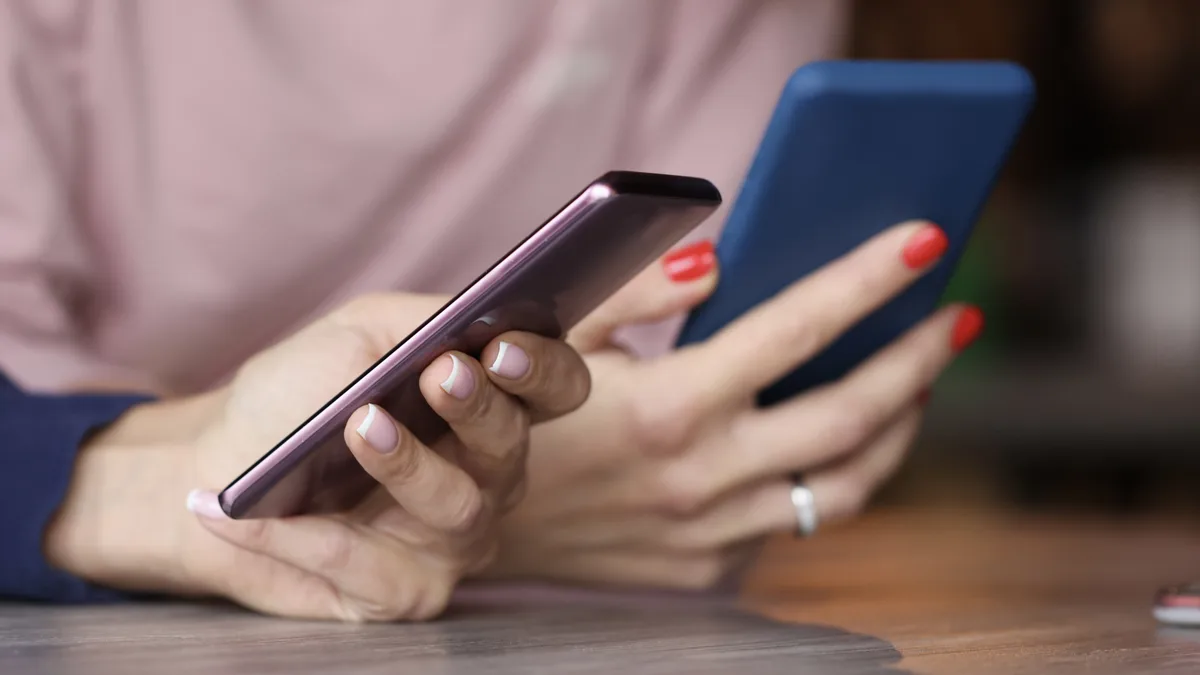
Tap to Share is a proximity-based data transfer feature for Android devices that allows users to exchange contact cards, photos, videos, and files by bringing two compatible phones together. It functions by leveraging near-field communication (NFC) and localized wireless protocols to establish a direct connection between devices, eliminating the need for manual searching or cloud-based sharing links.
According to Google’s official documentation, the feature is designed to streamline information exchange in professional and social settings. While similar in function to Apple's NameDrop on iOS, Tap to Share represents a significant evolution of the legacy Android Beam technology, offering faster transfer speeds and broader file support (Google, 2026).
Tap to Share works by using your phone's NFC chip to detect a secondary device in immediate proximity. When two devices are brought within a few inches of each other, the operating system triggers a handshake protocol that allows for the secure, peer-to-peer transmission of data packets, such as contact information or media files.
To initiate the exchange of contact details, follow these steps:
- Ensure that both devices have NFC enabled in the system settings.
- Open your contact profile or the 'People' app on your Android device.
- Bring your device physically close to the top back area of the other user's phone.
- Wait for the haptic feedback or on-screen prompt indicating a connection has been made.
- Confirm the transfer on your screen to send your digital business card.
This process bypasses the need for manual entry, reducing the likelihood of typos when sharing phone numbers or email addresses. Because the connection is localized, it minimizes the risk of intercepting data during the transmission process, provided the devices remain in close physical range throughout the duration of the transfer.
Keep exploring
More from GroundworkSharing media files like photos, videos, or documents requires you to interact with the Android Share Sheet rather than your contact card. This method utilizes the same proximity hardware but routes the data transfer through a higher-bandwidth wireless connection, such as Wi-Fi Direct or Bluetooth, once the initial NFC handshake confirms the destination device.
Follow these instructions to send a file:
- Open the specific photo, video, or document you wish to share.
- Tap the 'Share' icon to open the system Share Sheet.
- Look for the 'Tap to Share' prompt or icon within the share menu.
- Bring your phone close to the recipient's device until the connection is established.
- Follow the on-screen confirmation prompts to finalize the transfer.
This workflow is specifically engineered for quick, ad-hoc sharing where you are physically standing next to the recipient. It serves as a more efficient alternative to uploading files to a cloud storage service and sending a link, particularly when the file size is large or when you lack a stable cellular data connection.
Tap to Share is currently compatible with a specific range of Google and Samsung hardware, with further integration planned for other manufacturers by the end of 2026. As of the current rollout, the feature is limited to devices equipped with the necessary NFC and software support required to manage the proximity handshake.
Supported devices include:
- Google Pixel 6 and all subsequent Pixel models.
- Select Samsung Galaxy devices, including the Galaxy Z Fold 8 series and Galaxy Z Flip 8.
If you are using an older device or a brand not yet supported, you will still need to rely on standard sharing methods like Quick Share or email. Google has indicated that the rollout will continue to expand to a wider array of Android devices throughout the upcoming year, eventually covering the majority of the active Android ecosystem. Always ensure your device is running the latest system software update to confirm availability of this feature.