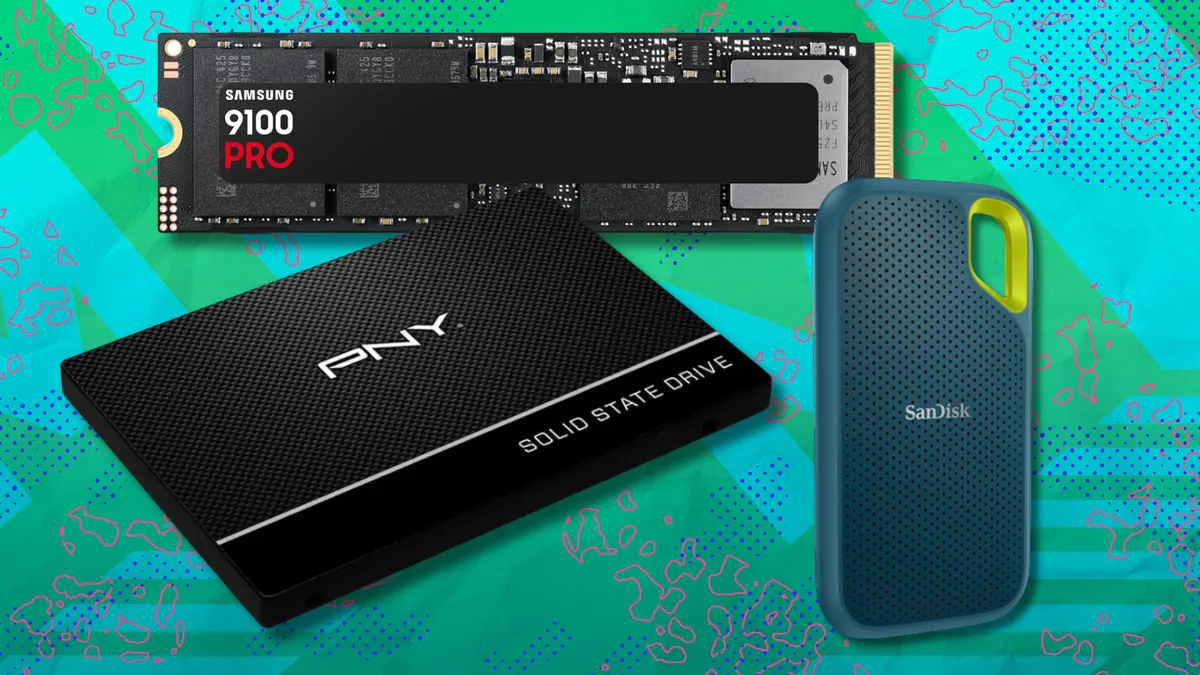
A solid-state drive (SSD) is a high-speed storage device that uses flash memory to store data, replacing the slower, mechanical spinning platters found in traditional hard disk drives (HDDs). Upgrading to an SSD is one of the most effective ways to improve your computer's boot times, application loading speeds, and overall system responsiveness. Because the memory chip market experiences periodic fluctuations in supply, knowing how to evaluate current discounts against actual hardware value is essential for making a cost-effective purchase.
Recent industry data suggests that while memory prices can fluctuate due to global supply chain constraints and manufacturing cycles, retail discounts on high-performance drives often occur during specific promotional windows (Source: TechRadar, 2024). Understanding the difference between drive categories is the first step toward securing a deal that actually serves your needs.
Choosing between an internal and external SSD depends entirely on your primary goal: system performance for a desktop or laptop, or portable storage for moving files between devices. Internal drives are installed directly onto your motherboard via an M.2 slot or SATA connection, whereas external drives connect via USB-C or Thunderbolt, acting as high-speed portable flash drives.
When buying an internal SSD, prioritize the interface type. NVMe M.2 drives are significantly faster than older SATA drives, making them the standard for modern gaming and professional workstations (Source: PCMag, 2024). For external drives, look for the USB generation rating. A USB 3.2 Gen 2 drive will offer transfer speeds up to 10Gbps, which is crucial if you are editing video files or moving large data sets frequently.
When you see a discounted SSD, you must look past the price tag and verify the drive's read/write speeds, endurance ratings, and cache type. A deal is only valuable if the drive meets the performance requirements of your specific workload, whether that is casual web browsing, high-end video editing, or intensive AI computing tasks.
Keep exploring
More from Groundwork
- Check the Sequential Read/Write Speeds: Look for these measured in MB/s. For modern NVMe drives, anything above 5,000 MB/s is considered high-performance, while budget-friendly options may hover around 3,000 MB/s (Source: Tom's Hardware, 2024).
- Verify the Form Factor: Ensure the drive matches your device. Laptops typically require M.2 2280 form factors, while older desktops might still require 2.5-inch SATA bays.
- Consider TBW (Terabytes Written): This measures the drive's endurance. If you plan on writing large amounts of data daily, look for a higher TBW rating to ensure your drive lasts for several years without failure.
- Confirm the Interface: Ensure your motherboard supports PCIe 4.0 or 5.0 to get the full speed advertised on the box, otherwise, you may be paying for performance your system cannot utilize.
Buying an SSD now is generally recommended if you are experiencing system lag or running out of storage, as waiting for a "perfect" price drop often leads to diminishing returns. While memory chip shortages can cause price volatility, the long-term trend for storage-per-dollar remains favorable for consumers, making mid-range capacity drives (1TB to 2TB) the current "sweet spot" for value.
Retailers frequently discount SSDs during major shopping holidays, but also during mid-quarter sales events at major electronics outlets (Source: B&H Photo/Amazon market data, 2024). If you find a reputable brand offering a 20% or greater discount on a drive that meets your technical requirements, it is usually a safe time to purchase rather than waiting for speculative future price drops that may never materialize.
Not every discounted price is a true bargain; some retailers artificially inflate list prices before applying a discount to make them appear more attractive. To verify a deal, always check the price history of the specific model using independent tracking tools or by comparing current prices across at least three major retailers.
Focus on the price per gigabyte. Divide the total price by the storage capacity (e.g., $150 for a 1TB drive equals 15 cents per gigabyte). Comparing this metric across different brands and models is the most objective way to determine if you are getting a fair market price for your storage.